
Forgot your Tiranga login password? Reset it here.
Need assistance with your account? Contact Tiranga Game Support or check our FAQ for guidance.
Trusted by thousands of players across India. Log in securely and start playing today!
Secure Login, Instant Access
Experience a safe and reliable platform with our advanced login system and multiple authentication options.
Quickly access your account and start exploring casino games, lottery, and more.
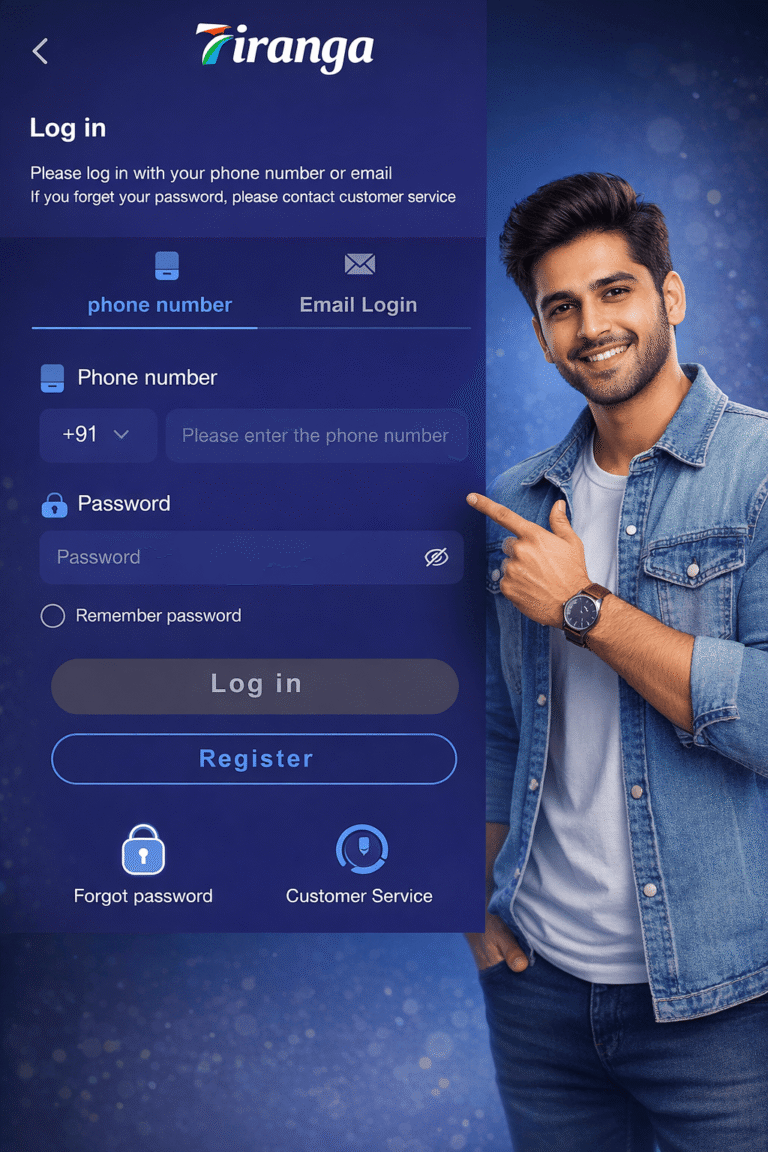
How to Login to Your Tiranga Account (Step-by-Step Guide)
- Visit the official Tiranga login page.
- Enter your Username, Email, or User ID.
- Enter your Password accurately.
- Click the Login Now button.
- Enable “Remember Me” if on a private device.
Once logged in, enjoy instant access to casino games, lottery options, wallet features, and promotions.
Forgot Your Tiranga Password?
- Click on the Forgot Password link.
- Enter your registered mobile number or email.
- Verify with OTP if prompted.
- Create a new strong password.
- Login with your updated credentials.
Use a strong password combining letters, numbers, and symbols for security.
Tiranga App Login Guide
- Open the Tiranga mobile app.
- Tap the Login button.
- Enter your registered details.
- Complete verification if required.
- Access your dashboard and start playing.
Ensure you download the app only from official sources to avoid security risks.
Common Tiranga Login Issues & Solutions
- Incorrect Password: Check caps lock and spelling.
- OTP Not Received: Wait a few minutes or check network signal.
- Account Locked: Contact customer support for assistance.
- Website Not Opening: Clear browser cache or try a different browser.
Frequently Asked Questions (FAQ)
Q1: Is Tiranga login safe?
A: Yes, the platform uses secure login systems and authentication.
Q2: Can I log in on multiple devices?
A: Yes, but do not share your credentials.
Q3: Why is my Tiranga account suspended?
A: It may be due to policy violations or suspicious activity. Contact support for details.
Q4: How can I change my password?
A: Use the Forgot Password option to reset it anytime.
Security Tips for Safe Login
- Never share your OTP or password.
- Avoid logging in on public Wi-Fi.
- Always log out after using shared devices.
- Use strong, unique passwords.